YouTube with Korean and English subtitles at the same time
YouTube shows one subtitle track at a time. If you want the Korean line with English underneath, you keep switching in the settings menu. SubLater adds the second line for you. Dual subtitles are free.
At a glance
- A Chrome and Whale extension for your computer (on Mac and iPad, the App Store app in Safari)
- Dual subtitles stay free after the trial
- On YouTube the second line is YouTube’s auto-translation. It’s machine translated, so it can read awkwardly, and sometimes it doesn’t show up
14-day full trial · the core features stay free forever
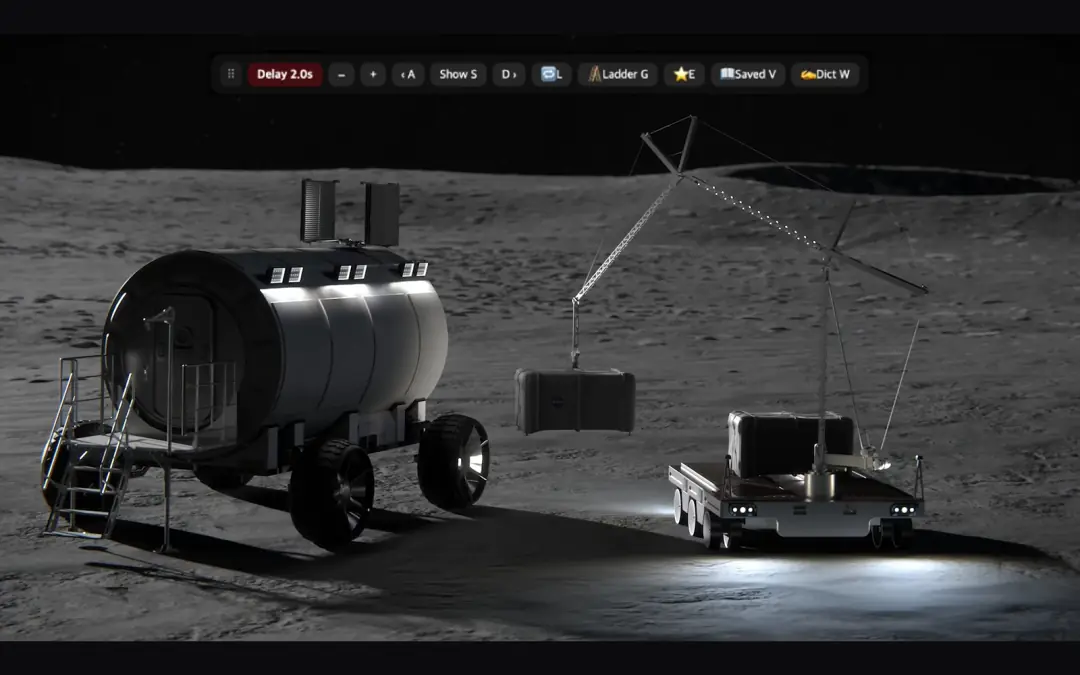
Illustration: the main line with the second line underneath. The scene is a NASA public-domain video.
Turn it on in YouTube
- Install SubLater in Chrome or Whale on your computer.
- Open a YouTube video that has Korean captions. If a tab you opened before installing looks unchanged, reload it.
- Turn on the CC button in the player yourself. With captions off, SubLater has no line to add to.
- An English line appears under the Korean one. If it doesn’t, press T.
T second line on/off Z re-align both lines −/+ delay off/on / shortcut card
The second line is YouTube’s auto-translation
On Netflix and Coupang Play, SubLater shows the subtitle track the title already carries. YouTube is different: the line underneath is YouTube’s machine translation of the captions you turned on, so some sentences read awkwardly. Use it to check the gist.
When YouTube doesn’t return an auto-translation, the second line stays empty. The late subtitle, line jumps and looping a line still work.
Both lines arrive a beat late, on purpose
SubLater was built to show subtitles a beat after the audio (2.0 s on the free plan), so you hear each line before you read it. The second line comes with the main one. It isn’t broken.
If you just want both subtitles right away, bring the delay down to 0 s. On the free plan, one press of − does it. During the 14-day trial each press takes off 0.5 s, so keep pressing until it’s at 0. Zero delay is free too. Press + to bring the delay back.
The second line doesn’t show up
- Make sure CC is on. A video with no captions at all won’t work.
- Shorts aren’t supported. Use a regular video.
- YouTube may be holding back auto-translation for the moment. Try again a little later, or on another video.
- If the two lines get out of step, press Z.
- If another subtitle extension is on, you may see two sets of subtitles. Press X to hide the other extension’s subtitles.
Turning it off
Press T to hide the second line. To switch SubLater off altogether, press H or click the extension icon and use the switch at the top.
Learning English instead?
It works the other way too. Turn on English captions and a Korean line appears below, also from YouTube’s auto-translation. Dual subtitles only work for the Korean and English pair.
On iPad, Mac and iPhone
Get the SubLater app from the App Store and open YouTube in Safari. It doesn’t work inside the YouTube app. iPad needs iPadOS 18 or later.
On iPad, a tapped link opens the YouTube app, so type youtube.com into Safari’s address bar. There’s no keyboard, so tap the small arrow (⌃) at the right edge of the video and use the “Dual subtitles” switch under ⋯. The full walkthrough is in Shadowing English on iPad Safari.
On iPhone, turn on Settings → Apps → Safari → Request Desktop Website → All Websites. It can’t be installed on Android phones.
What’s free
You get every feature for 14 days. After that nothing locks; the free plan keeps going.
Free
Delay off or on (2.0 s), dual subtitles, line navigation, replay and loop, auto-pause, word lookups, 10 scored dictation lines a day, 50 saved linesPro
Delay from 0 to 5 s in 0.5 s steps, Reveal mode (subtitles wait for S), unlimited dictation and more · PricingFAQ
Does it work with auto-generated captions?
Yes. Captions that YouTube generated automatically are used as they are once CC is on.
Does it work for other language pairs?
No. Dual subtitles are Korean and English only.
Does it work on Netflix or Coupang Play?
Both work: see Netflix and Coupang Play. There the second line is the title’s own subtitle track, not machine translation.
Does it work in the YouTube app or on a TV?
No. Watch in Chrome or Whale on a computer, or in Safari on a Mac, iPad or iPhone.
Install
Whale StoreMac · iPad Safari — App Store
14-day full trial · the core features stay free forever